Company Town Hall: How to Host an End-of-Year Webinar
Annual reviews are coming up. Learn how to host an employee webinar that keeps their attention. Practical steps, voice work, and mistakes to avoid.
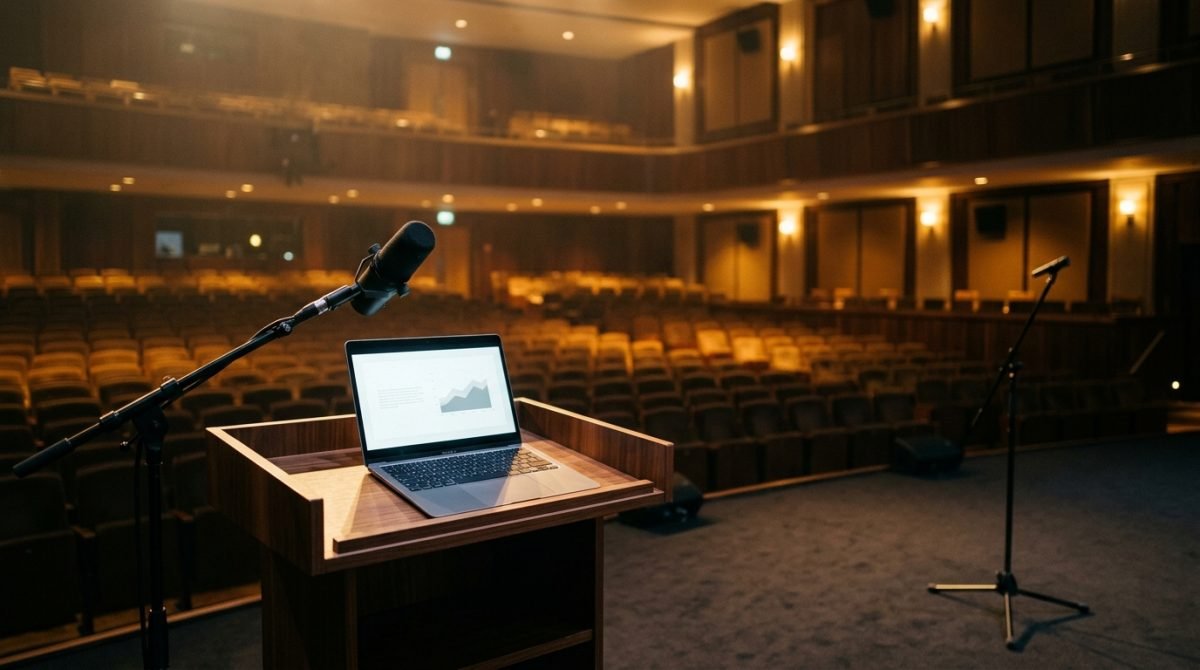
Wednesday morning, a typical Polish autumn outside the window, and you sit down in front of your laptop to tell the team about the results from the last twelve months. Annual reviews and board presentations are approaching, which means one thing. You will be speaking to the glass eye of a camera, imagining that dozens or hundreds of people are listening on the other side. If you are wondering how to host a webinar that won't put employees to sleep in their home offices, the answer comes down to mastering the craft. It's a matter of the lens axis, conscious breathing, and a structure that holds attention.
Before you face the people
A Town Hall is a specific communication format. You don't have direct feedback from the room, you don't hear murmurs or nods. Before you click the broadcast button, you need to control the physical space around you. I often see this with senior managers in training rooms. They prepare substantive data, but they forget about the basics that build how they are perceived.
- Framing and lens axis. Make sure your eyes are exactly at camera level. If you look down at your laptop, you subconsciously build distance and assume a dominant position. Put a few books under your computer.
- Light on your face. Sit facing a window or place a soft light source right behind the screen. A face hidden in shadow is a signal of a lack of transparency to the human brain. On set, we make sure the presenter's eyes always reflect light, which gives them expression.
- Sound close to your mouth. An external microphone is a must. The echo of an empty room makes your voice sound foreign and pale. Regular headphones with a built-in microphone on the cable are usually enough to cut out unnecessary background noise.
- Notes in your field of vision. Place the file with your main points just below the camera lens, on the top edge of the screen. Looking down at your desk breaks contact with the audience and reveals insecurity.
How to host a webinar step by step
In a television studio, the director makes sure the viewer has no time to get bored. They change camera shots and prompt the pace through an earpiece. In front of your own computer, you are your own producer and presenter.
Start with a strong opening. Instead of the standard question about whether you can be seen and heard, get straight into the topic. Give one main piece of information that people should take away from this meeting. The first few seconds determine whether employees will minimize the window with your face to go back to answering emails.
Speak to one person. The camera dot is not a nameless crowd. It's a single employee drinking tea in their kitchen. Look into the lens, not at the thumbnail faces on the screen. When you direct your gaze straight into the lens, every participant on the other side feels like you are speaking directly to them.
Manage pause and silence. When you present hard financial data or key conclusions from the passing year, stop. Let the number resonate. A pause builds authority and allows listeners to process dense information. Filling every second with words leads to chaos.
Gesturing on camera works differently than on a large stage. The frame limits your movements. Keep your hands in the camera's field of vision, but avoid frantic waving, which blurs the image. Calm, open hands at chest level build trust. In television, we call this the safe zone.
Most common mistakes
On a film set, you can quickly see what works and what ruins a performance. In the online format, the same stumbles repeat themselves.
Mistake one is reading slides. A slide is just the background; you are the main narrator. Build your statement so that it adds context to what is visible on the screen. If you read word for word what employees can read themselves in five seconds, you become unnecessary.
Mistake two is a monotonous pace. A uniform rhythm puts people to sleep. Change the dynamics. Deliver main points slower and with a lower voice. Tell examples, anecdotes from company life, and lighter summaries faster.
Mistake three is shallow breathing. When stress tightens your throat, your shoulders go up, and your voice becomes thin and squeaky. Rest your feet flat on the floor. Breathe using your diaphragm, directing the air low into your stomach to lower the center of gravity of your voice. Stable breathing means a stable message.
Mistake four is a lack of clear structure. Saying everything that comes to mind dilutes the message. Divide your presentation into three distinct blocks. An introduction with the main thesis, a body with data, and a conclusion with a clear call to action or a thank you.
Mistake five is filler words. Sounds of hesitation appear when your speech apparatus works faster than your brain. The fix is simple. Instead of making inarticulate sounds, just fall silent. Silence sounds professional, while fillers reveal a lack of preparation.
How to practice this
On-camera skills are built through repetition. Try to implement this simple plan a week before the actual meeting with the team.
Monday. Record the first two minutes of your greeting on your phone. Watch it without sound. Check what your face is doing. See if you frown or if your eyes wander around the ceiling.
Tuesday. Listen to the same recording, but this time without the video. Catch the moments where you run out of breath, swallow saliva mid-sentence, or speed up for no reason.
Wednesday. Read your text out loud. Mark places for a breath and a pause with a pen. Stick to these markers while speaking.
Thursday. Do a dress rehearsal with the camera on in your target webinar application. See how you look in the frame, check the lighting and sound level.
Friday. Leave the material and let your head rest.
You can easily work out many of these things at home in front of your own computer. However, when you feel you need an objective eye and full facilities, working in a studio makes a difference. In training sessions with me in Warsaw, we always start with an initial recording. Then we correct your posture, set your gaze on the lens axis, work with a teleprompter, and record again until you get it right.
A good Town Hall is not the result of innate charisma, but of craft and solid preparation. Build a stable frame for your words, and the people on the other side of the screen will stay with you until the very end.
Questions and answers
Do I have to look at the camera the whole time?
You don't have to stare at the lens non-stop. It's natural to look away for a moment to check your notes, but always direct your key points and punchlines straight into the lens.
What should I do if my throat gets dry while speaking?
Take a natural pause and take a sip of room-temperature water. The audience won't judge this negatively, and you will regain your vocal comfort.
How long should a good company webinar last?
Human attention in an online format drops drastically after twenty minutes. If you have more material, divide it into shorter blocks and intersperse them with Q&A sessions or a change of speaker.