How to Host a Company Webinar Without Stress or Mistakes
Fall is online meeting season. Learn how to host a company webinar, keep viewers' attention, and use your voice. Practical exercises you can do at home.
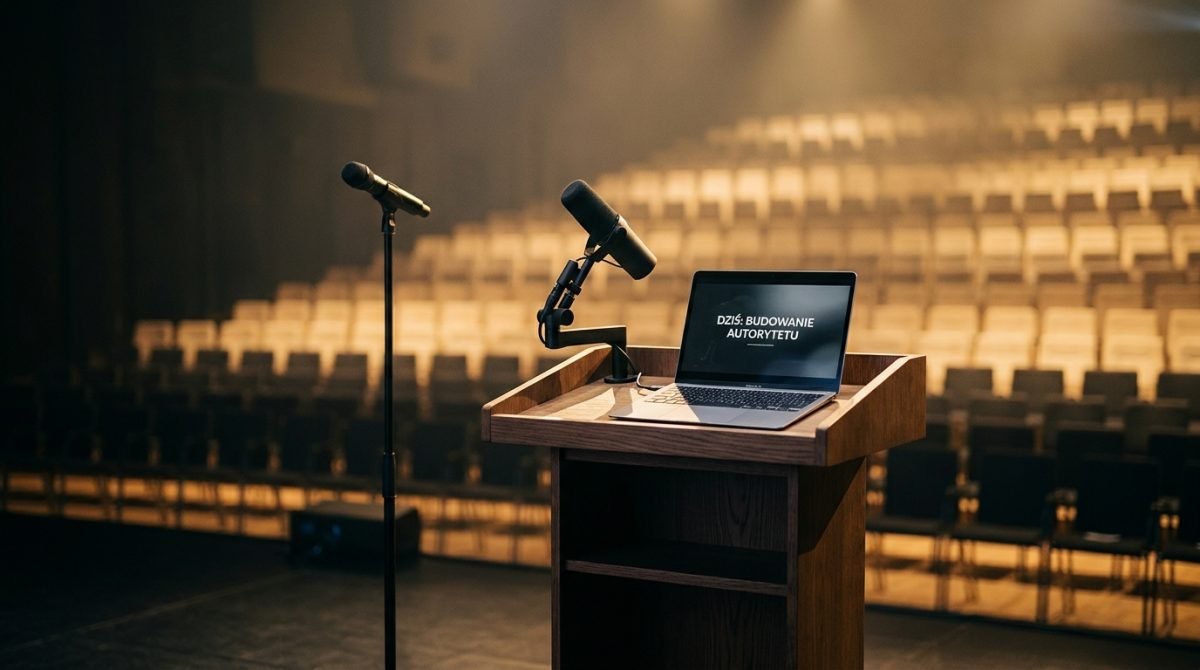
It's a Wednesday morning, a typical fall day outside, and you sit down in front of your computer. The green camera light turns on, you share your screen, and suddenly the silence in the empty room starts to overwhelm you. No murmurs from the audience, no nodding heads, just you and a blinking cursor on the slide. I often hear the question of how to host a webinar so that people don't flee after a dozen or so minutes. The answer comes down to one specific task. It's not a matter of well-designed slides, but the ability to speak to a piece of glass as if a living person were sitting there. Delivering an online presentation requires a different distribution of energy than speaking on stage.
Before you face your audience
The fall season of conferences and industry online meetings is a time when technology must seamlessly cooperate with your body. Before you click the start button, organize your space. In a TV studio, a whole team of people takes care of this; at home or in the office, you have to take care of it yourself.
- Set the lens at eye level. Put books under your laptop or use a stand. Looking down at the viewer builds unnecessary distance and distorts your facial proportions.
- Take care of the framing. Leave some space above your head, but not too much. Clear the background of distracting objects.
- Master the lighting. Sit facing a window if possible. If you're hosting a meeting after dark, place a lamp behind the screen that will softly illuminate your face. Avoid strong backlight, or you'll turn into a dark silhouette.
- Do a reliable sound test. The built-in microphone in your computer picks up echo from the whole room and the fan noise. Use a simple wired microphone, a lavalier, or good headphones.
- Prepare bulleted notes. Write keywords on sticky notes and attach them to the monitor frame, right next to the camera. This way, you'll avoid nervously looking down at your desk.
How to host a webinar step by step
The difficult part of the online format is the lack of feedback. In a room, you can immediately see if someone is nodding or starting to check their email on their phone. In front of your own monitor, you are speaking into a void. How do you host a webinar to compensate for this lack and keep the audience's attention?
Start with the axis of the lens. That's where your listeners are. When you tell a key story, deliver an important conclusion, or ask a question, look straight into the small dot of the camera. Glance at your slides or notes only to check your train of thought, and then immediately return your gaze to the lens. Treat that dot like the eyes of a specific person.
The second issue is voice energy and posture. In front of a screen, we tend to let our pacing become sluggish. We sit deep in our chairs, the diaphragm is compressed, and our breathing becomes shallow. Your voice then loses its projection. Sit on the edge of your chair. Straighten your back. Rest both feet flat on the floor. This simple change in posture opens up your chest and gives your voice solid support. Your voice sounds more confident, and you gain the freedom to gesture. Keep your hands in the frame; don't hide them under the desk.
The third element of the craft is the pause. On the internet, we are terrified of silence. We think that if we take a two-second break, viewers will think there's a connection failure. This is a mistake. A pause is a tool that allows the listener to digest what they just heard. It separates important thoughts from the background. It also gives you time to take a calm, deep breath. Speak in shorter sentences and place clear periods.
Most common mistakes
From the perspective of over a dozen years of working with a camera, I see recurring slip-ups that are easy to eliminate.
Looking at your own preview. It's a natural reflex to want to control our appearance while speaking. The effect for the audience is that you are looking down and avoiding eye contact with them. The solution is simple. Turn off the preview of your own face in the app or cover it with a small sticky note.
Monotonous reading from slides. The presentation is just a background for your words. If you read out loud exactly what the viewer sees on the screen, you become an unnecessary addition. Text on a slide is read faster than it is spoken. Instead, put only keywords or data on the screen, and in your speech, expand on them with context and real-life examples.
Lack of structure at the start. Long, drawn-out introductions and waiting for latecomers kill the dynamics of the meeting. You are punishing those who showed up on time. Start on time with a strong sentence that announces what the viewer will get over the next hour. Provide the meeting agenda and get straight to the point.
A flat tone of voice. Without an audience, it's easy to fall into a monotonous reporting mode. To prevent this, try speaking with a gentle smile. A smile physically changes the layout of your vocal tract, brightens the tone of your voice, and adds energy to your message, even if the topic is purely technical.
How to practice this
Working with a camera and microphone is a craft that requires repetition. You can start this training in your own home, at no cost.
For the next week, record two-minute summaries of your workday on your phone. Set your smartphone on a tripod or lean it against books at eye level. Hit record, look straight into the lens, and speak. Then watch the footage. Pay attention to where your eyes wander, what your hands are doing, and whether your voice sounds natural. With each passing day, you will notice less discomfort in front of the lens. Also, pay attention to whether you use filler words like "um" or "uh". When you watch your recording, write down on a piece of paper how many times that sound appeared. In the next attempt, replace it with conscious silence.
The next step is reading out loud. Take any industry article and read it out loud for five minutes a day. Focus on clearly accentuating the ends of sentences and making conscious pauses where the periods are. This builds the habit of controlling your pace.
These at-home methods provide a solid foundation and get you comfortable with the equipment. When you feel you need precise correction and an objective perspective, I invite you to train with me in my Warsaw studio. We work there on professional equipment, record your initial performances, analyze the footage sentence by sentence, and repeat the attempts until you feel full control over your voice and body. Outside feedback and working on your own mistakes often significantly shorten the path to your goal.
The camera exposes any lack of preparation, but at the same time, it amplifies the authenticity of your message. Mastering this craft allows you to forget about the technicalities and fully focus on the value you want to convey to your audience.
Questions and answers
Do I need professional equipment to host a webinar?
You don't need a TV studio. A stable connection, an eye-level camera, good facial lighting, and an external microphone to eliminate echo are enough.
What should I do if my throat gets dry while speaking?
Take a natural pause and take a sip of room-temperature still water. The listeners won't notice, and your vocal tract will recover its function.
How do I handle stress in the first few minutes of the broadcast?
Focus on deep diaphragmatic breathing right before the start. Also, memorize your first three sentences, which will allow you to transition smoothly into the topic.