Remote Work Camera: How to Look Good in an Online Meeting
Wondering how to look good in an online meeting? Discover proven techniques for working with the camera, framing, and voice that will improve your image.
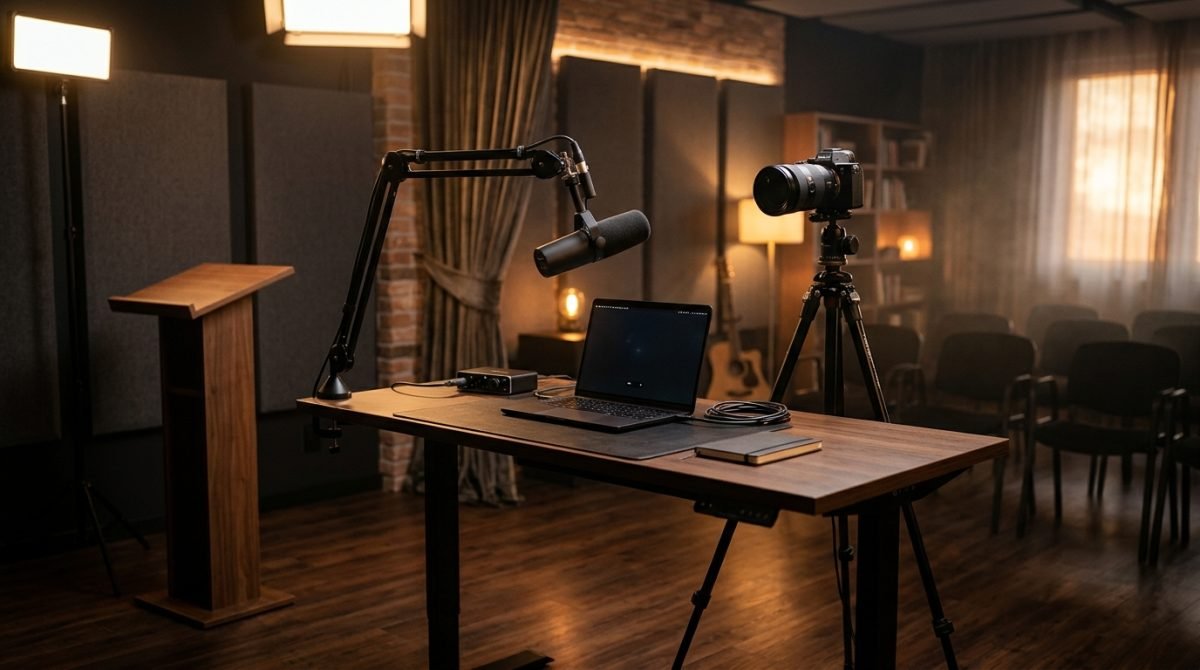
A Thursday autumn morning, it's gray outside, and you turn on your camera for another team meeting. I see this often on film sets and during live connections with guests on TV shows. A tired face in the shadows, eyes wandering to the corner of the screen, a voice getting lost in the echo of an empty room. The answer to the question of how to look good in an online meeting comes down to mastering the technique and being aware of your own body. This is the craft I teach every day. Every good frame is simply a lens at eye level, a face turned toward the light, and a microphone close to the mouth.
Before you face people
Before you click the button to join the call, you must control the space around you. The camera does not forgive chaos. In a television studio, a team of people works on the frame; at home, you are your own director, lighting technician, and sound engineer.
- Set the lens at eye level. If you work on a laptop, put a few thick books or a special stand under it. Looking down at your audience builds unnecessary distance and distorts facial proportions.
- Ensure directional lighting. Simply sitting facing a window is enough. However, autumn mornings can be dark, so it is worth using a desk lamp placed behind the screen. The light should evenly illuminate your face without creating deep shadows under your eyes.
- Compose your frame. Leave a little free space above your head, the so-called headroom. Do not cut off the top of your head, but do not leave a large, empty space there either.
- Check the background behind you. You do not need a sterile office, but avoid a laundry drying rack or an open door to the hallway. A calm, tidy background does not distract from what you are saying.
- Do a reliable sound test. The built-in computer microphone often picks up the echo from the whole room and the noise of the fans. Regular wired headphones with a microphone drastically improve the clarity of your voice.
Step by step: how to look good in an online meeting
Once the technology is ready, your body and voice come into play. Many people treat video meetings like a regular phone call, forgetting that the image carries a huge part of the message.
The first step is conscious eye contact. When you speak, look straight into the camera lens, not at the faces of your coworkers on the screen. This is difficult because we naturally seek the gaze of another person. However, only by looking into the axis of the lens do you give the audience on the other side the feeling that you are addressing them directly.
The second step is a stable posture. Sit on the edge of your chair. This forces you to straighten your back and opens your chest. Your breath becomes deeper, and your voice gains better support in the diaphragm. Slouching in a soft armchair automatically makes your breathing shallower, lowers the tone of your voice, and drains your energy.
The third step is hand movement. Keep your hands in the frame, roughly at the level of the lower edge of your ribs. Hand movements help emphasize the most important thoughts and give your speech rhythm. Remember, however, not to make overly wide and sudden swings. With a weaker internet connection, fast movement will cause the image to blur unpleasantly.
The fourth step is sentence stress. When speaking to a screen, we tend to be monotonous. Emphasize the most important words in a sentence with a slightly louder and clearer sound. This builds the dynamics of the speech and keeps the listeners' attention.
Most common mistakes
When analyzing the recordings of my students, I regularly see the same patterns. Eliminating them is a fast track to improving your image.
Constantly fixing hair and clothes is a classic. It is a sign of nervousness that highly distracts the audience. Before you turn on the camera, look at the preview, fix what you need to, and leave it alone. During the meeting, keep your hands calmly in front of you.
Rocking in a swivel chair. Side-to-side movement lulls the listeners' alertness and reveals a lack of focus. Lock the backrest of your chair or switch to a regular, stable chair for important meetings.
Speaking without breathing. You speed up the pace to convey information as quickly as possible, which leaves you out of breath. The fix is to make conscious pauses at the end of a sentence. A pause gives you time for a calm breath and the listeners time to process the information.
Dead face syndrome. Focusing on the small tiles on the screen makes our facial expressions freeze. We look bored or even angry. Simply lifting the corners of your mouth slightly and relaxing your forehead muscles is enough to give your face a natural, cheerful expression.
How to practice this
Theory is just the beginning of the journey. The ability to work in front of a camera is built exclusively through repetition. I propose a simple plan for your next workweek.
On Monday, focus only on your posture. Make sure you keep your back straight and sit on the edge of your chair during all meetings that day. On Tuesday and Wednesday, practice looking into the lens. Stick a small, colorful sticky note right next to the camera to remind you where to direct your gaze while speaking. On Thursday and Friday, work on pausing. Stop for one second after every important thought.
You will develop many of these things at home using the small steps method. However, there comes a moment when you need an outside eye and professional analysis. That is when 1-on-1 training in a studio comes in handy, where we work through one specific area on recordings, with me at the camera. We watch the footage frame by frame, listen to the sound of your voice, and correct mistakes until we get it right.
Presence in front of the lens is a craft based on the awareness of your body, voice, and space. Every time you turn on the camera is an opportunity to hone this skill.
Questions and answers
Do I have to look at the camera for the entire meeting?
No, you only need to look into the lens when you are speaking. When listening to others, you can freely look at their faces on the screen.
How do I deal with a dry throat while speaking?
Always keep a glass of room-temperature still water handy. Take small sips during natural pauses in your speech.
What should I do when I need to read notes during a meeting?
Place your notes on the screen just below the camera line. This way, your eyes won't wander far from the lens, and you will maintain contact with your audience.