Hybrid Presentation: How to Speak to the Camera and the Room
Fall board reviews are a challenge. Learn how to speak to the camera and keep the room's attention during a hybrid presentation.
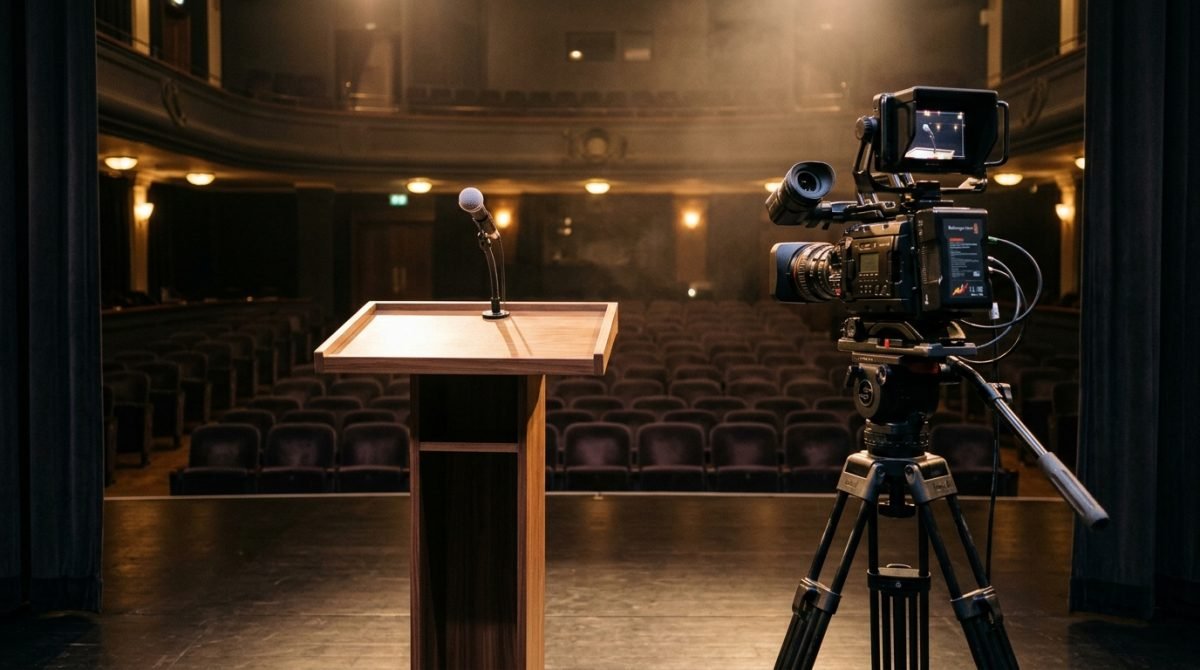
It's a Friday afternoon, and outside the window is a typical fall day. In conference rooms, the process of putting together slides for annual performance reviews is slowly kicking off. You stand before the board; half the decision-makers are sitting at the table, and the rest are looking at you from a large screen on the wall. You wonder how to speak to the camera so that those on the other side don't feel ignored, and those in the room don't feel like you're talking to a wall. The answer comes down to treating the lens like one more very important meeting participant who requires your full attention.
Before you stand in front of people
Preparing for a hybrid presentation starts with the tech, long before the first slide. Before you go into the mode of discussing charts, strategies, and forecasts for the next year, you need to get to know the space. On film sets, we call this taming the set design. Don't leave this until the last minute.
- Find the axis of the camera lens that broadcasts your image to remote attendees.
- Check the frame. Ask someone to turn on the preview and see how far you can step to the left and right before you disappear from the screen.
- Figure out where the faces of the people connected online are displayed. Often, the screen is in a completely different place than the camera itself.
- Take care of the audio. If there's a directional microphone in the room, you need to know at what point your voice starts to fade.
- Locate the light sources. Make sure the projector isn't casting colorful spots from the slides onto your face when you look toward the camera.
How to speak to the camera and keep the room's attention
Dividing your attention between two worlds requires discipline and body awareness. When I host a show where I have one guest in the studio and another on the line, I have to smoothly shift my gaze so neither of them feels left out. You are doing exactly the same thing during a performance review presentation.
Start with a logical division of time. If the majority of the decision-makers are in the room, give them about seventy percent of your attention. Direct the remaining thirty percent straight into the lens. When you address a person on the line, don't look at their face on the TV. Look into the camera glass. Only then will that person feel on their end that you are looking them in the eye. It's difficult because our human brain naturally seeks contact with the face of the person we're talking to, not with a dead, glass object.
Manage the pause. When you shift your gaze from the live audience to the lens, do it at the period. Suspending your voice for a fraction of a second gives you time to physically change your viewing direction. This way, you will avoid nervously darting your eyes around while speaking. The sentence stress should ring out completely before you turn your head. This is how you build authority and show that you are fully in control of the meeting's pace.
Most common mistakes
I see this very often during first rehearsals in front of the lens. Even experienced speakers fall into the same traps when a hybrid element is added to their presentation.
The first mistake is talking to the TV. You look at the large screen showing the board, but the camera is mounted two meters away. To the online viewers, you are standing in profile and making no contact. The fix is simple. The screen is only there for you to check the audience's reaction. When you speak, you look straight into the lens.
The second mistake is pacing around the room. Live presentations like movement, but a camera has rigid frames. If you start walking, you will simply step out of the frame. The fix involves marking an invisible square on the floor for yourself. This is your zone where you can freely work with your body and gestures without disappearing from the sight of the people on the other side of the line.
The third mistake is forgetting about the remote viewers. You focus on the people in the room because they give immediate feedback, nod their heads, and ask questions. The fix requires consciously including the online people in the conversation. Direct questions to them, mention their names, and always do this while looking into the camera.
The fourth mistake is about the voice. It happens that when speaking to the people in the room, you use a natural volume, but when turning to the camera, you start speaking unnaturally loud, as if you wanted to punch through the cable. The fix is working on an even breath from the diaphragm. The microphone picks up sound the same way, regardless of whether you look left or right.
How to practice this
This kind of divided attention can be developed at home. It only requires consistency and a willingness to analyze your own recordings.
On Monday, place your phone on a tripod or lean it against some books in the living room. Hit record. Deliver a two-minute fragment of your presentation, alternating your gaze between the lens and an imaginary person sitting on the couch. On Tuesday, watch this footage. Check if your eyes dart to the sides when shifting your attention and if you stop sentences halfway through. On Wednesday and Thursday, repeat the recording, adding a longer pause with each change of viewing direction. Focus on letting your breath guide your words. On Friday, try doing the same thing standing up, making sure not to step out of your designated spot in the frame.
Home recordings do a lot, but at some point, you need conditions close to the real thing. Training in a production studio in Warsaw, where we work with three cameras, a teleprompter, and a director on set, lets you feel the pressure of the equipment. The initial recording, working on the footage frame by frame, and the final recording show where your eyes wander and how your body reacts to stress. You get sentence-by-sentence feedback until your movements become fully natural, and you take your recordings with you for further analysis.
Hybrid presentations are a technique built through repetition and analyzing mistakes. Mastering the lens and the room at the same time simply gives you peace of mind when the time comes for the actual presentation.
Questions and answers
Do I have to look at the camera the whole time?
No. You divide your attention between the people in the room and the lens, keeping proportions based on where your main audience is.
How do I remember to look at the lens?
You can stick a small, colorful sticky note right next to the camera. It acts as a visual anchor that reminds you to direct your eyes there at the right moment.
What should I do when I need to read notes or slides?
Glance at your notes during a pause. After reading a thought, look up at the room or the camera, and only then start speaking.